






Supervised Learning Color Sorter v1
.png)
Color Sensor Lab Webpage
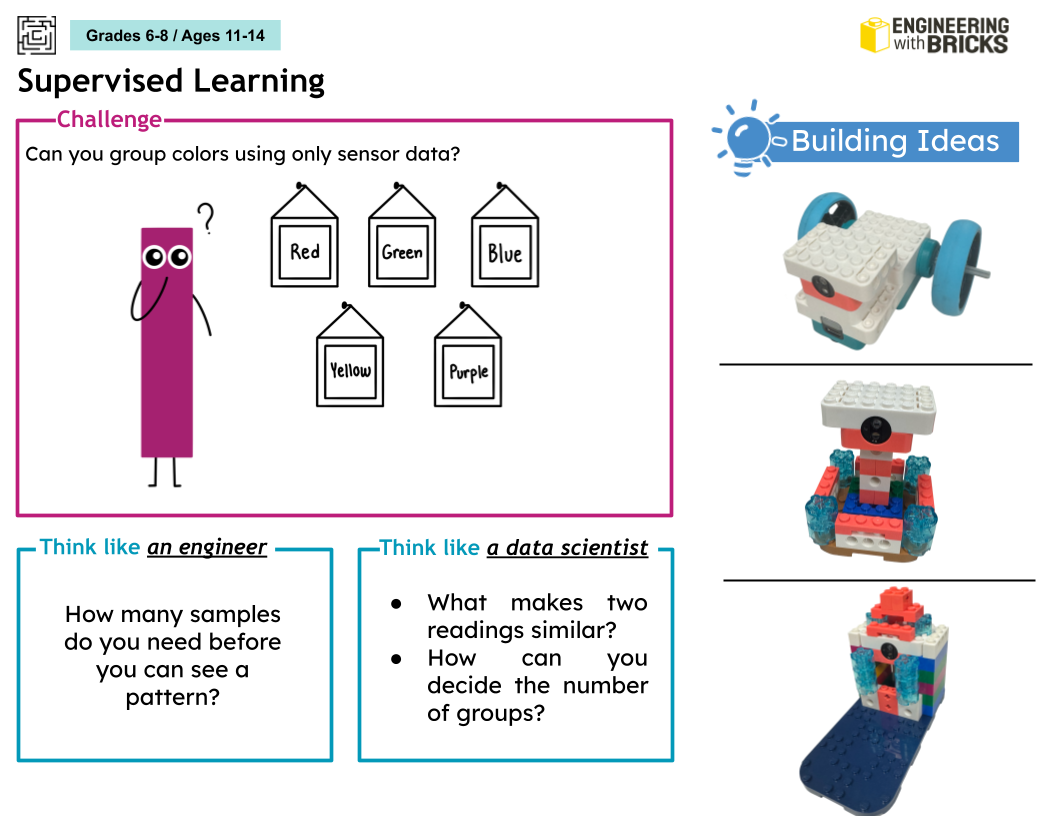
The program allows you to train it to recognize different brick colors using RGB values from color sensor. Define what colors you want to train, show bricks of your selected colors under the color sensor, and the program will learn to recognize what color brick you are showing it. If you are showing a color that it hasn’t been trained to recognize yet, it will make a best guess based on the colors it already knows.
Brick Sorter - Front
.png)
.png)
Brick Sorter Webpage
This program is similar to the color sorter, but it detects bricks based on color AND shape. You must create bins that name the color and shape or size of the brick. The color sensor detects the RGB values while the webcam identifies the general shape of the brick. One each bin of bricks is trained, the program will be able to recognize and sort bricks of different colors and shapes.
Reinforcement Learning: Maze Solver
.png)
.png)
This program applies a q-learning algorithm to help a robot follow a path of colored tape from a starting point to an ending point. The robot must be calibrated at the beginning so that it can register the RGB and reflection values for the colors of the starting point, ending point, path, and outside the path. Based on those values, it traverses the path by looking for edges between the color of the path and the color of the table (outside the path). Eventually, it learns how to traverse the whole path and get to the ending point.
Gesture Control
.png)
.png)
Gesture Control Webpage
The program allows a robot to be controlled through hand gestures using the computer webcam. One gesture will correspond to each movement: forward, left turn, right turn, and stop. The webcam allows you to train the robot with each gesture using numbers on the keyboard (1-4) to select which direction you would like to train. Once the robot is trained, you can show the webcam the gestures and the robot should move in the correct direction.
Guess the Animal
.png)
.png)
Guess the Animal Webpage
Students first must build two different animal robots. It is recommended that the animals be from distinct species (for example, a dog and a frog instead of a dog and a cat), otherwise the program may have trouble detecting differences in movement if the builds are not different enough from each other. Once you have your animals, train the program to recognize the movement pattern of each animal using the same forward movement, and the program will record the IMU values during that movement (the IMU values in the motor will be how the program recognizes patterns). Once the training is complete, the program should be able to differentiate between animals through the IMU values collected when they move.
Magic Wand
.png)
.png)
Magic Wand Webpage
Students must attach LEGO bricks or axels to the double motor to create their magic wand. Once that is complete, one person can train the program to recognize a movement of their choice. Then, hand the wand to a friend and have them train the program to recognize a different movement. Once training is complete, one of the two students can wave the wand in “mystery mode”, without telling the program who is making the movement. The program should be able to recognize whose movement is being performed based on the IMU values collected in the double motor and comparing those values against previous trainings.


