{"@context":"https://schema.org","@type":"FAQPage","mainEntity":[{"@type":"Question","name":"How do I factory reset a LEGO Education SPIKE Prime hub?","acceptedAnswer":{"@type":"Answer","text":"Make sure the hub's center button is green, then turn off the hub. Hold the center button for at least 10 seconds and release it when it blinks green. Hold the center button again until it cycles through green, yellow, red, and green, and release it when it turns red. The hub should start with the heart matrix. Connect to the SPIKE App and reinstall the firmware when the app prompts you."}}]}

Are we missing anything?
Let us know!

Thank you! Your submission has been received!
Oops! Something went wrong while submitting the form.

LEGO® Education SPIKE™ Prime Factory Reset

Mar 2025

To perform a factory reset, follow these steps:

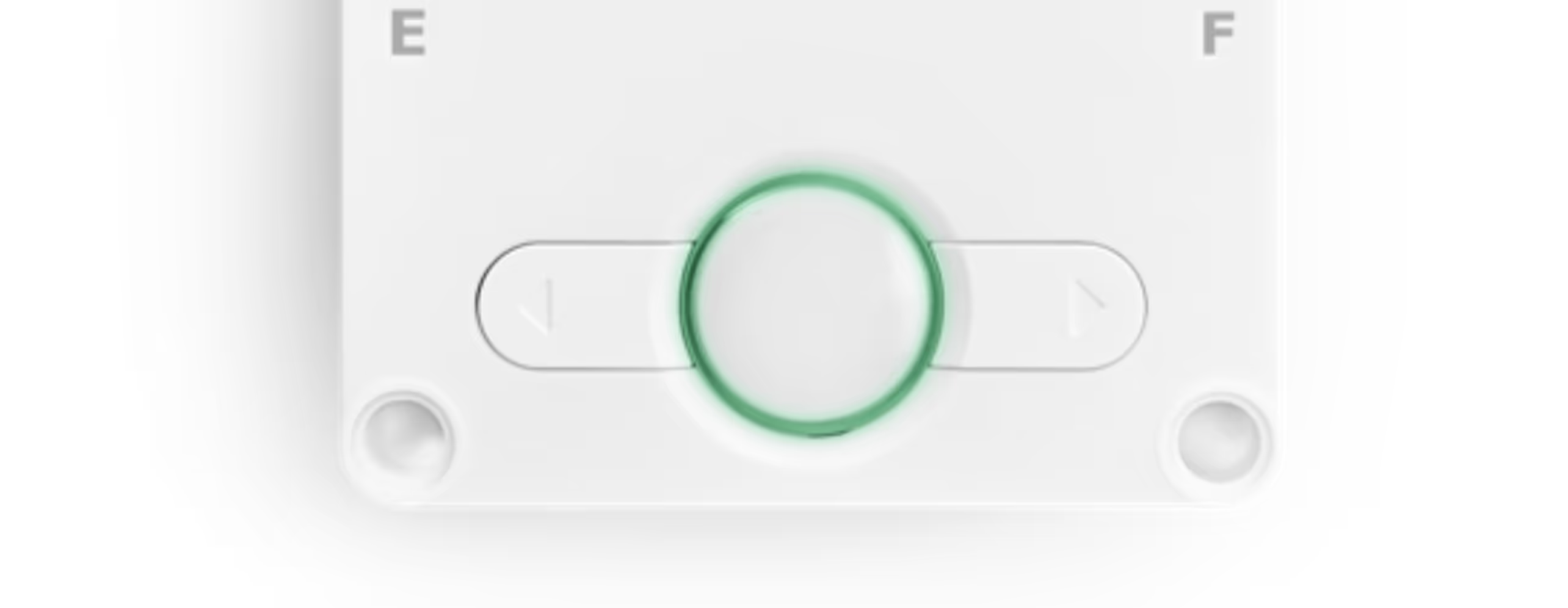
  1. Make sure hub center button is green
  2. Turn off hub
  3. Hold center button for at least 10 seconds
  4. Release center button. It should now blink green
  5. Hold center button again until it cycles in color green > yellow > red > green
  6. Release center button when it turns red
  7. Hub should start with the heart matrix
  8. Connect to the SPIKE App and reinstall the firmware (the App will prompt you)
Related Articles

Up Arrow
FEEDBACK
Up ArrowUp Arrow