{"@context":"https://schema.org","@type":"FAQPage","mainEntity":[{"@type":"Question","name":"What does a flashing orange light on a SPIKE Essential hub mean?","acceptedAnswer":{"@type":"Answer","text":"The hub's battery is running low. Connect the hub to your device with the USB cable to begin charging. You can see the charge percentage by clicking the hub icon in the SPIKE App. If it keeps flashing orange and won't charge when plugged in, you will need a replacement battery from LEGO Education customer service."}},{"@type":"Question","name":"What does a flashing red light on a SPIKE Essential hub mean?","acceptedAnswer":{"@type":"Answer","text":"There is an extended load on the hub. Turn off the hub and let it cool down for 15 minutes."}},{"@type":"Question","name":"What do the blue and white lights on a SPIKE Essential hub mean?","acceptedAnswer":{"@type":"Answer","text":"Blue means the hub is connected to your device through Bluetooth. White means it is connected through USB. Flashing white means the hub is waiting to be connected."}}]}

Are we missing anything?
Let us know!

Thank you! Your submission has been received!
Oops! Something went wrong while submitting the form.

What LEGO® Education SPIKE™ Essential Hub Light Is Trying to Tell You

Mar 2025

Flashing Orange

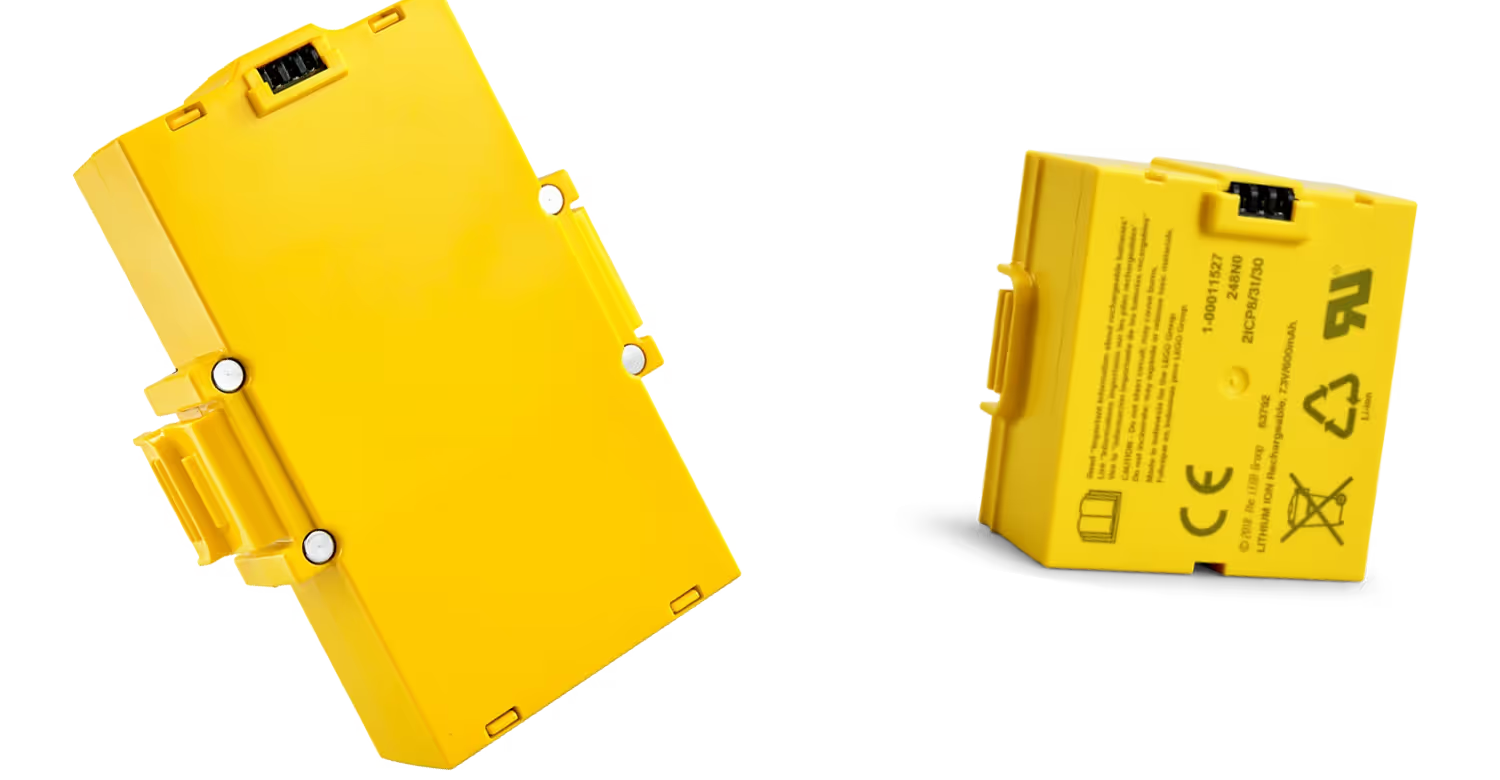
The Hub’s battery is running low. Connect the Hub to your device via the USB cable to begin charging the battery. You can see the charge percentage by clicking on the hub icon in the SPIKE App. If it's flashing orange and won't charge when plugged in, you’ll need a replacement battery from LEGO® Education customer service.

Flashing Red

There’s an extended load on the Hub. Turn off the Hub and let it cool down for 15 minutes.

Blue

The Hub is connected to your device through Bluetooth.

White

The Hub is connected to your device through USB.

Flashing White

The Hub is waiting to be connected.

Flashing Violet/Green/Blue

The firmware has been updated, and it’s restarting.

Related Articles

Up Arrow
FEEDBACK
Up ArrowUp Arrow